100%
Tactics board
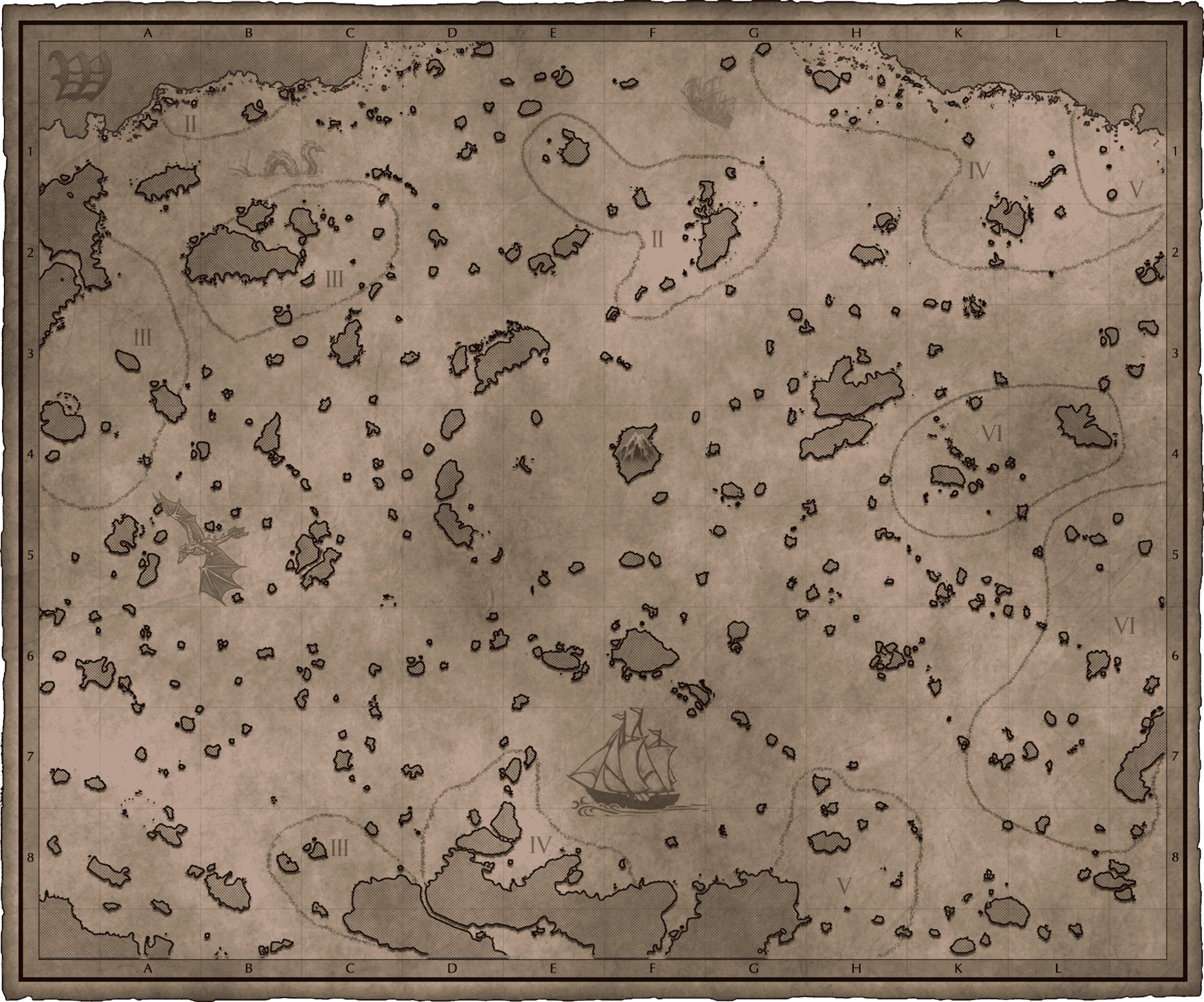
Draw arrows, routes and circles on the game map, place your fleet's ships and share the plan with your clan through a short link.
Quick guide
The board uses the archipelago map with ports, lighthouses and forts as reference. Place every ship of your fleet with its name, mark lines of advance with arrows and flag danger zones with circles or text.
When the plan is ready, press Share and you get a short link that opens the board exactly as you left it. No account is needed to create or view it, so your mates can open it from the clan Discord in a second.
It is handy for preparing port battles, escorting trade convoys or defending an island. If you save the board in your browser, you can keep working on it later.
Common questions
No. You can draw, save in your browser and share without an account.
Hold the space bar or right-click and drag. You can also pick the select tool.
No. The short link stores the drawing, and opening it later shows the same plan.
Yes. With the ship tool you pick one of the game's 73 ships and give it a name, such as the player who sails it.